How it works
How to collect every guest's photos with one QR code
SayaCam turns your guests' phones into one shared event album. Here is the whole flow, from creating the album to downloading the photos.
Create your album
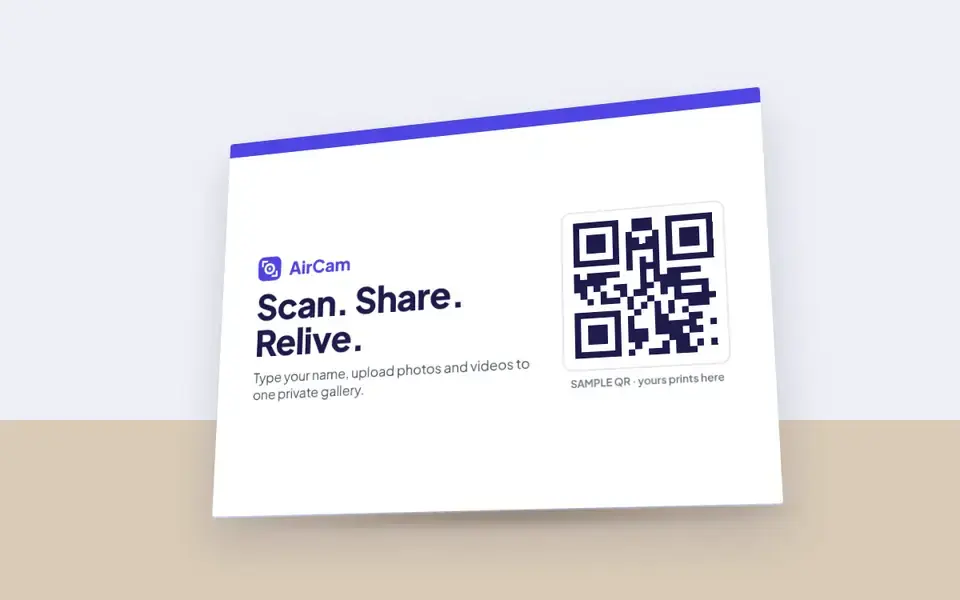
Sign in with your email, name the event and set its date. SayaCam gives you a QR code, an 8-character join code, a shareable link and a printable table card.
Share the QR code
Print the table card, add the QR code to your invitation or program, or show it on a screen. You can download the QR as a PNG or SVG.
Guests scan and type their name
Guests open their phone camera, scan the QR code and type their name. There is no app to install and no account to create.
Guests upload photos and videos
Guests pick photos and videos from their phone or take new ones. Files upload in full quality and appear in the shared gallery.
View, moderate and download
Everyone who joined can browse the gallery. As the host you can hide or delete uploads, pause the album and download every file.
Ready for your event?
Plans start at ₱499 per event with unlimited guests, or see what SayaCam looks like for weddings, debuts, baptisms, birthdays and corporate events.